
🧠 New Blog Post
I post a lot about building with Claude Code on Mac, but I decided to take a break from it and see how the other half vibes, using Gemini CLI on Windows. Turns out there are quite a few dependencies to install before you can start vibing.
Here's a guide on setting up Gemini CLI on Windows, installing Node and npm, and the Git and GitHub CLIs, then deploying with GitHub and Vercel. This gives you a free stack for the AI coding, hosting, backups and version control.

🤖 AI & Dev Tools
Three models in one week?!🤯 Claude Opus 4.5 from Anthropic, Gemini 3 from Google, and GPT-5.1 Pro from OpenAI, all dropped last week. And now that the dust has settled, it’s clear the winner is… it depends.
Gemini 3 is a huge improvement over 2.5, and it continues to dominate in terms of context window. GPT-5.1 seems to be the best general assistant, with fast and flexible reasoning. And Opus 4.5 is still the leader when it comes to coding, and long reasoning chains.
But the benchmarks often fail to reflect real-world results, so don’t rule out the other models based on one strength that matches your use case. Test all 3 models, and run it as an experiment with 3 prompts each. You may find that the best model for your needs isn’t from the same provider that topped the last generation. The difference could be in better code generation, or it could be reduced latency or token usage for the same quality output.
💡Tips & Tricks
If you’ve used Claude Code, Gemini CLI, Codex, or any of the other AI CLI tools, then you know how convenient and powerful it is to have an AI assistant right there in the terminal. These tools can do more than just create and edit files locally. They can run shell commands and use any of the other CLI tools you have installed (when given permission).
This means pretty much any CLI tool can become a vibe-coding tool. Just install the CLI tools needed for your task, then ask Claude to do the heavy lifting. Here are a few things you can try:
Clean-up files into subfolders based on AI classification, using
find+mvBulk rename files with smart naming rules, using
renameBulk convert images and video with ImageMagick (
convert) &ffmpegExtract text/OCR from images or PDFs, using
tesseractRemove duplicates or near-duplicates, using
fdupesStrip or edit file metadata, using
exiftool
Recently I used Claude Code to write a Python script that adds thumbnail images to folders in MacOS Finder based on images in the folder. There are a ton of different use cases, and every CLI tools is an option! Just search for CLI tools related to the task you want to automate, or ask the AI which ones to install.
📺 Video Content
This is a follow up to a previous video I shared about hosting Ollama and Appsmith locally. Part 2 covers how to deploy that same setup in the cloud, using Docker and DigitalOcean Droplets. With this setup, you can build AI powered apps that run completely within your own cloud, and without sending your data to a 3rd party AI provider.
👥 Community Picks
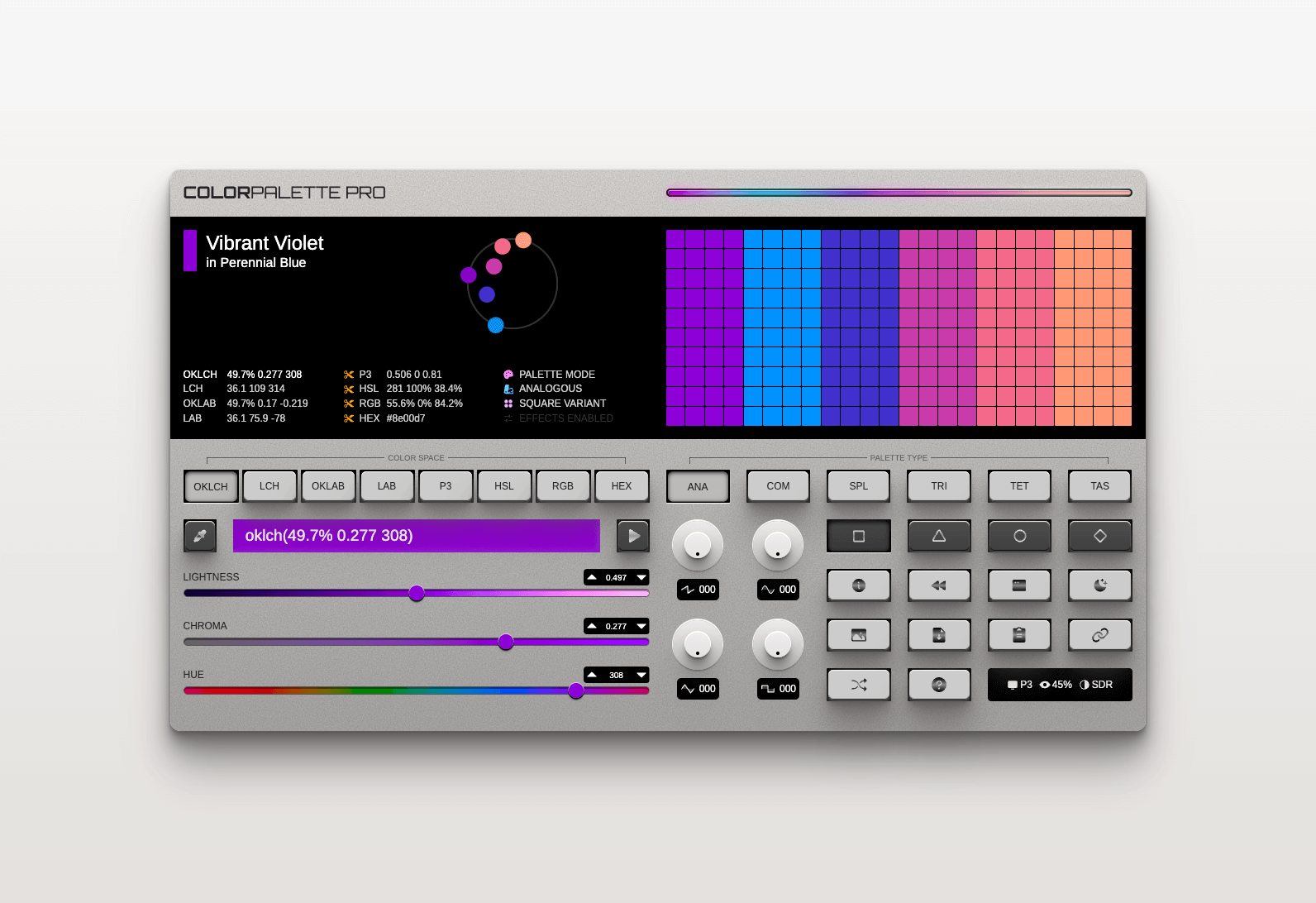
Side project or production site; internal tool or customer facing; vibe-coder or senior engineer; it doesn’t matter the circumstance. Every project looks better with a proper color palette. 🎨
Now, there are a TON of tools for generating color palettes, so it’s hard to build something new that stands out— but that’s exactly what Ryan Feigenbaum did with this Color Synthesizer! Check out the tool below, and the article on Ryan’s blog.
📚 From the Archives
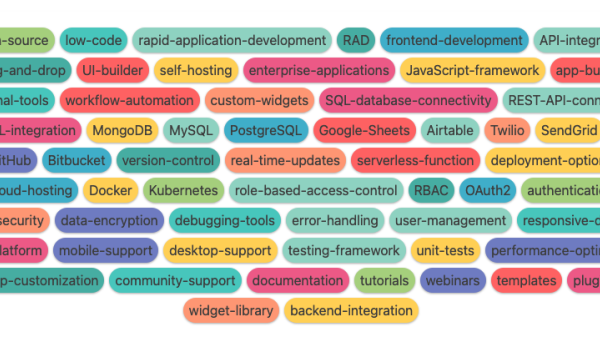
Many apps like Airtable and Notion use colored tags to show a list of values. It’s a helpful feature for users, but how would you build it into your own app?
In this post, I explore different methods of generating colored tags, and how to assign colors to a string automatically that are random but repeatable.
Thanks for reading!
If you enjoy this newsletter, please share it with others in your network. Got a question or comment? Login at news.greenflux.us to share your thoughts.